
How much mobile data do you need for a month abroad?
A month away looks less like a holiday and more like normal life: a rental with Wi-Fi, commuting, cafes, maybe work. That changes the arithmetic. Here are profiles for long stays and how to size them.
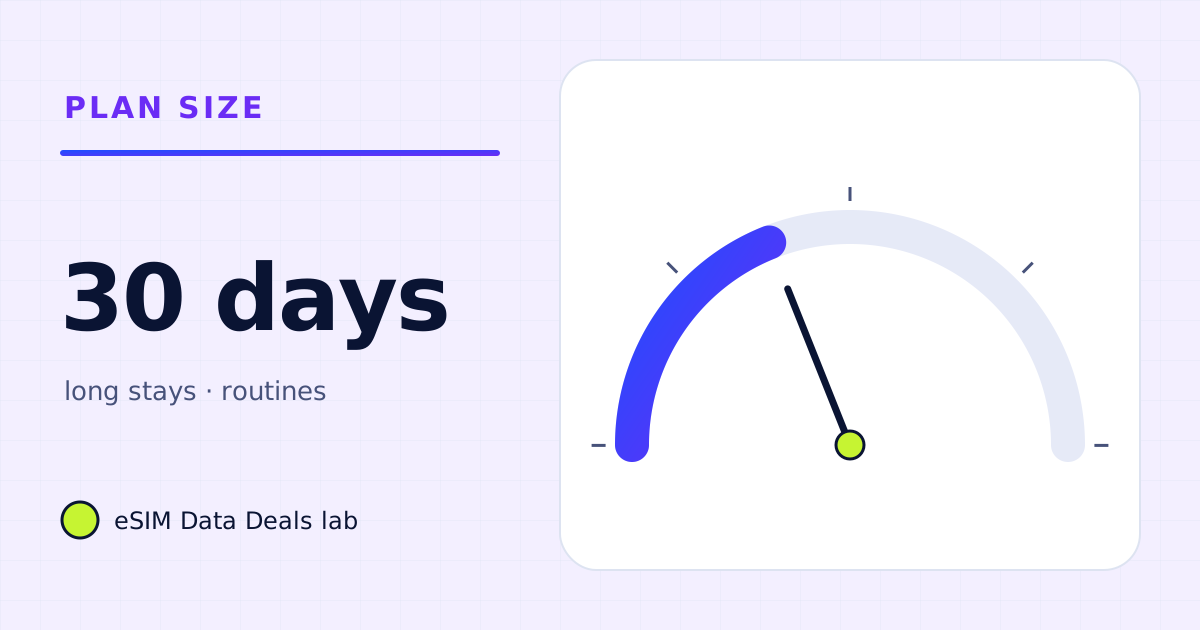
For 30 days, someone with reliable Wi-Fi at home and in cafes may need only about 5–10 GB. Typical phone use with social media and music on mobile data is about 15–26 GB. Remote work over the phone's hotspot, with daily meetings and laptop work, can need 65 GB or more, and over 100 GB with cameras on.
- Wi-Fi at home and cafes
- ≈ 5–10 GB
- Typical phone use
- ≈ 15–26 GB
- Heavy streaming
- ≈ 37–49 GB
- Remote work on hotspot
- ≈ 65–165 GB
- Check after week 1
- multiply by 4.3
- TripoSIM Japan sizes seen
- 5 GB or 20 GB for 30 days
On this page
Why is a month different from a holiday?
Over a month, habits settle. You find the cafe with good Wi-Fi, you stop navigating everywhere, and you start doing ordinary things: banking, shopping, streaming in the evening, perhaps working. Three questions decide your number more than anything else:
- Will you have reliable Wi-Fi where you sleep? If yes, most heavy use (streaming, updates, backups) lands there.
- Will you work, and how? Video meetings and a laptop are the biggest single factor.
- How much video do you watch away from Wi-Fi? Commutes and evenings out with feeds or shows add up over 30 days.
How much do long-stay profiles use?
| Profile | A typical day on mobile data | Per day | 30 days |
|---|---|---|---|
| Wi-Fi first | 2 h maps, 2 h chat and web, 10 photos; everything heavy on Wi-Fi | ≈ 150–310 MB | ≈ 4.5–9.5 GB |
| Typical phone life | Plus 45 min of social video, 1 h music | ≈ 0.5–0.9 GB | ≈ 15–26 GB |
| Heavy streamer | Typical plus 3 h of Netflix on Automatic or similar | ≈ 1.2–1.6 GB | ≈ 37–49 GB |
| Remote worker on hotspot | Typical plus 2 h video meetings and 4 h laptop work | ≈ 3.2–5.4 GB | ≈ 95–165 GB |
| Remote worker, camera mostly off | Typical plus 2 h audio meetings and 4 h laptop work | ≈ 2.2–3.4 GB | ≈ 65–105 GB |
The remote-work rows are the ones to take seriously. Video meetings over a phone hotspot every day can make a month need more than 100 GB. If that is you, an unlimited or very large plan with a Hotspot badge, plus disciplined laptop settings, is the realistic answer, and hotel or co-working Wi-Fi for the biggest calls is still worth arranging.
How do I keep a laptop from eating a month's data?
- Windows: mark the hotspot as a metered connection in Settings → Network & internet → Wi-Fi, then the network's properties. Microsoft says some updates and apps then behave differently to save data.
- Mac: turn on Low Data Mode for the hotspot network in System Settings → Wi-Fi → Details.
- Pause cloud sync (OneDrive, iCloud Drive, Dropbox, Google Drive) while tethered.
- Lower meeting video or turn the camera off when you don't need it. Zoom's audio is about 54–72 MB an hour; 720p video is about 1.08 GB.
The laptop data guide breaks this down task by task.
How do I check the estimate after week one?
At the end of the first week, read the phone's counter for the travel line and multiply by about 4.3 (30 ÷ 7). Compare that with your plan. If you are heading over, now is the time to act: move a habit onto Wi-Fi, set a data warning, or top up if your plan allows it. TripoSIM's help centre says its dashboard shows data used, data remaining and days left, and can send low-data alerts.
Should I split a month into two plans?
Sometimes. If the first week is a busy tour and the rest is a quiet stay in a rental with good Wi-Fi, one large 30-day plan pays for data you won't use in weeks two to four. Two shorter plans, or one plan plus a top-up, can match the shape of the month better. The trade-off is admin: you have to watch the counter and act before the first plan ends. If you would rather not think about it, one plan sized from the top of your range is the calmer choice. For the cost side of that decision, compare offers directly; this page only sizes the data.
How does a routine change the numbers?
By the second week, most people navigate less (they know the area), message the same few people, and fall into a pattern for evenings. That usually lowers daily use compared with week one. What raises it is anything that replaces Wi-Fi: a rental where the router is unreliable, working from cafes without Wi-Fi, or streaming on a commute. Re-read the counter at the end of each week; it is the best forecast you have.
Which plan sizes fit a month?
Plan sizes vary by destination. As an example of what to look for, TripoSIM's Japan page (read 7 November 2026) listed 30-day plans such as 5 GB and 20 GB, alongside unlimited plans with a daily full-speed amount. Using the profiles above: "Wi-Fi first" fits a small plan, "typical phone life" (15–26 GB) fits a 20 GB plan if video mostly stays on Wi-Fi, and heavy streaming or remote work needs an unlimited or much larger plan. Read the plan card for the exact terms on the day you buy.
Frequently asked questions
Is 20 GB enough for a month abroad?
For a phone-only traveller with typical use, usually yes: it is about 670 MB a day. It is not enough for daily video meetings or a laptop on the hotspot as the main connection.
How do I estimate after the first week?
Look at the phone's data counter after seven days and multiply by about 4.3 for a 30-day month. If week one included a travel day, it is probably a little high, which is a safe error.
Is a monthly travel eSIM better than a local SIM for long stays?
That is a cost and paperwork question as much as a data one: local SIMs can need ID registration and a local address in some countries, while a travel eSIM installs before you go. This page sizes the data; compare offers on their own terms.
Does a laptop on hotspot really use that much?
Laptops behave as if they were on home broadband: updates, cloud sync, browser tabs refreshing, larger video streams. Marking the hotspot as metered on Windows or turning on Low Data Mode for it on a Mac helps a lot.
Got your number? Match it to a plan
On TripoSIM, choose your destination and compare total GB, validity, any daily full-speed amount and the Hotspot badge on each plan card.
We take data figures from the app makers' own help pages where they publish one, convert published bitrates with kbit/s × 0.45 = MB per hour, and label every planning assumption. We don't run paid reviews or publish prices. Editorial policy · How we get our figures · Who owns this site
Sources and how we checked
- TripoSIM help centre (FAQ)
- TripoSIM Japan plan page (plan-card terms, read 7 Nov 2026)
- Zoom Support: system requirements and bandwidth
- Netflix Help Center: How to control how much data Netflix uses
- Microsoft Support: Metered connections in Windows
Figures were read from these pages on 7 November 2026. Apps change their settings and rates; if a number here disagrees with the app on your phone, trust your phone's own data counter. See how we get our figures.
Related reads
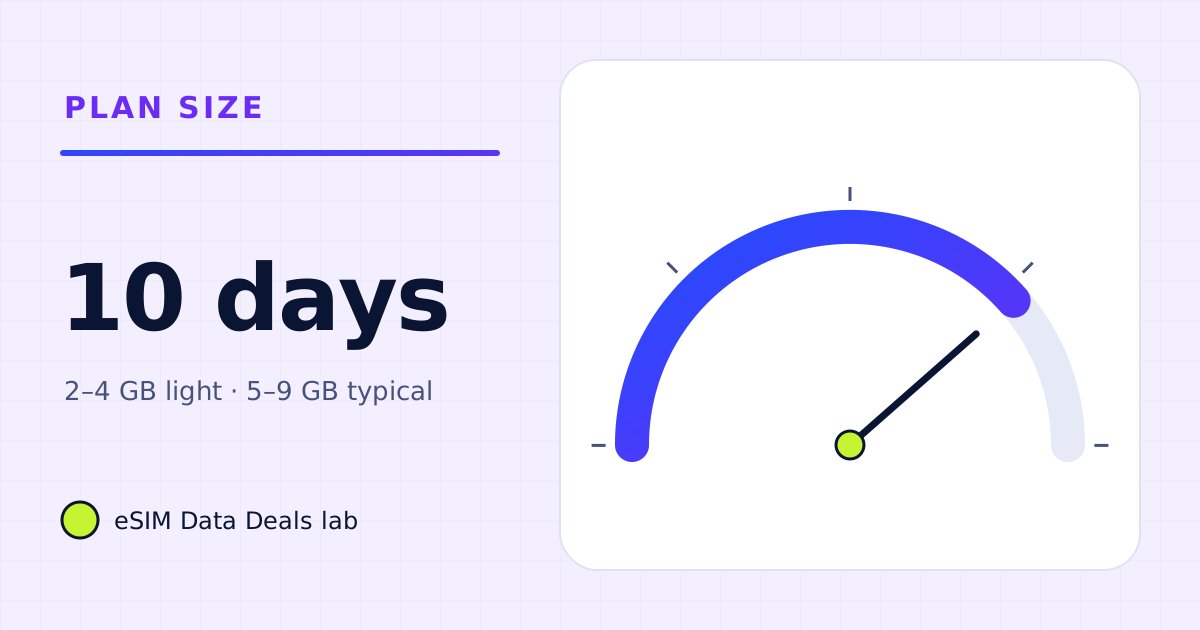
How much data do you need for 10 days abroad?
Ten days abroad: about 2–4 GB for light phone use, 5–9 GB for typical use, 10–20 GB with daily calls or streaming, more with a laptop.
Read the guide →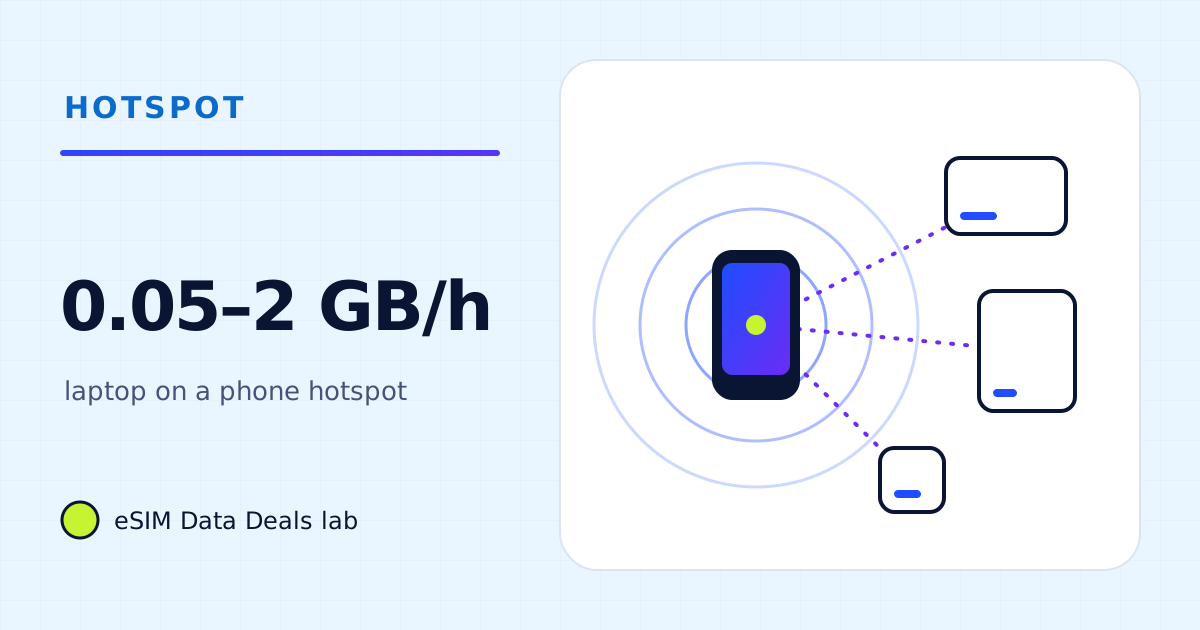
How much data does a laptop use per hour? A task-by-task table
Per-hour data for laptop tasks on a phone hotspot: email and documents, audio and video meetings, streaming and sync, plus example workdays you can copy.
Read the guide →
Two weeks of remote work: how many GB for laptop hotspot?
Build a workday usage estimate for video meetings, cloud documents and operating-system updates.
Read the guide →
How to set a data warning and limit for a travel eSIM
Set a data warning and limit on Android, track iPhone usage with reset statistics, and use the provider's low-data alerts so you are never surprised.
Read the guide →