
Estimate mobile data by task and day, multiply by the number of workdays, and leave contingency for software updates and unexpected meetings. Confirm your eSIM explicitly supports tethering and check any full-speed limits.
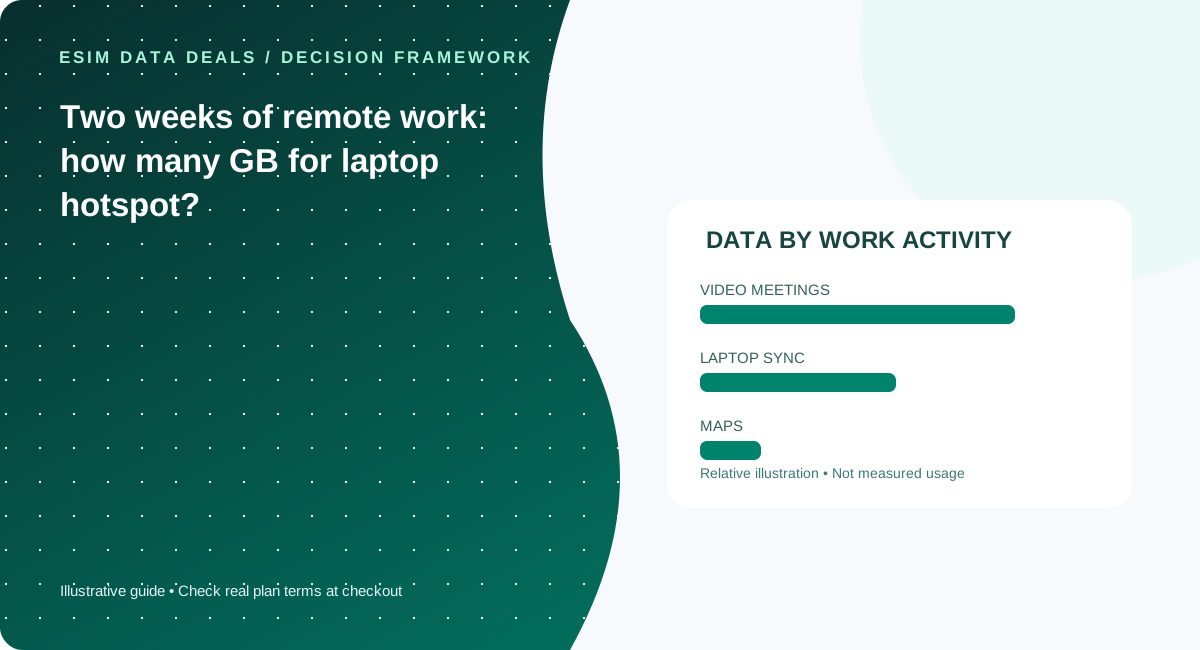
Split phone use from laptop use
A phone used for maps and email has a different data pattern from a laptop on hotspot. Laptop background synchronization, cloud backups and operating-system updates can consume significant data without being visible. Use a metered connection on your laptop where supported and pause nonessential sync before relying on a small travel allowance.
Calculate meeting demand
For planning, a video meeting can consume hundreds of megabytes to more than a gigabyte per hour depending on resolution, platform and number of participants. These are broad educational ranges, not measured network statistics. Enter your actual meeting schedule into a calculator, and use an audio-only option when quality or allowance is constrained.
A 14-day trip is not 14 full workdays
If you work nine weekdays and take five days off, the data demand may differ sharply. Include travel days when you will tether in taxis, trains or airports. Your allowance still needs enough validity to include the final day. Check whether the provider counts days by a rolling period or local calendar.
Verify hotspot policy and throttling
A plan advertised as unlimited could have a daily high-speed allowance, a reduced speed after a threshold, or a hotspot-specific cap. Ask for the actual terms of the exact SKU. A displayed 5G symbol does not override the plan’s fair-use contract or guarantee a stable video-call quality.
Build a working-week model rather than guessing
For a two-week trip, separate business days from rest days. Suppose you expect nine workdays of video calls and five lighter days of maps and messaging. Note meeting duration, camera use, file sharing and whether the laptop runs automatic cloud backups or operating-system updates. Enter these activity hours into the data studio to get a base estimate and a buffer, then compare the result with exact retailer SKU allowances. The calculator uses stated educational assumptions; it is not a speed test or a claim about Zoom, Meet or a carrier’s current usage. If you have actual cellular-usage logs from a previous normal work week, they are more useful than any generic range. Consider a second connectivity route for essential work, since a traveler can lose access through network congestion, device problems or building coverage even with ample unused GB.
Two limits remote workers often miss
The first is a hotspot-specific cap: a phone can consume data normally while its tethering entitlement is lower or restricted. The second is a daily high-speed quota that can be exhausted by a single long meeting day even if the total-trip allowance seems generous. Ask for the exact reduced speed and reset rules, not simply “unlimited data.” Test your laptop’s metered setting, VPN and meeting software before relying on it for a client call. During a trip, pause large sync jobs and confirm that background devices are not using the hotspot without your knowledge. A more expensive plan can still fail this use case if hotspot is prohibited, while a modest fixed-GB plan may work well when most uploads occur on reliable hotel or office Wi-Fi.
Five checks before you pay
- Estimate meeting hours per day
- Turn off unneeded laptop sync
- Check hotspot/tethering permission
- Read high-speed and post-cap rules
- Include contingency and validity days
Common mistakes to avoid
- Do not equate Mbps connection speed with GB allowance
- Laptop updates can consume more data than casual phone use
- Unlimited marketing may hide a limited full-speed threshold
Work with your real itinerary or quotes
Use our free in-browser calculator, then verify live plan stock, exact destination coverage and final charges directly with TripoSIM.
Commercial disclosure: we are owned by BroadNet and promote TripoSIM. No specific retail SKU or guaranteed price is represented here.
Source notes and review standard
This page is educational editorial analysis dated 5 November 2026. It does not claim field measurements, current retailer inventory, exclusive third-party quotes or verified network speeds. Confirm the exact product terms and local phone configuration before paying.
Additional context: our research methodology and editorial standards.
Continue reading
Unlimited travel eSIMs: daily full-speed cap versus truly usable data
Understand the difference between marketing language, high-speed allowance, slowdown policy and hotspot entitlements.
Video calls versus maps: which travel activities consume more data?
A behavior-based explanation of where mobile data goes and how to plan for a trip without fabricated precision.