
How much data do email and web browsing use?
Browsing and email feel light, and mostly they are. The exceptions are pages full of autoplay video, big attachments, and mail apps that sync everything the moment they get a connection.
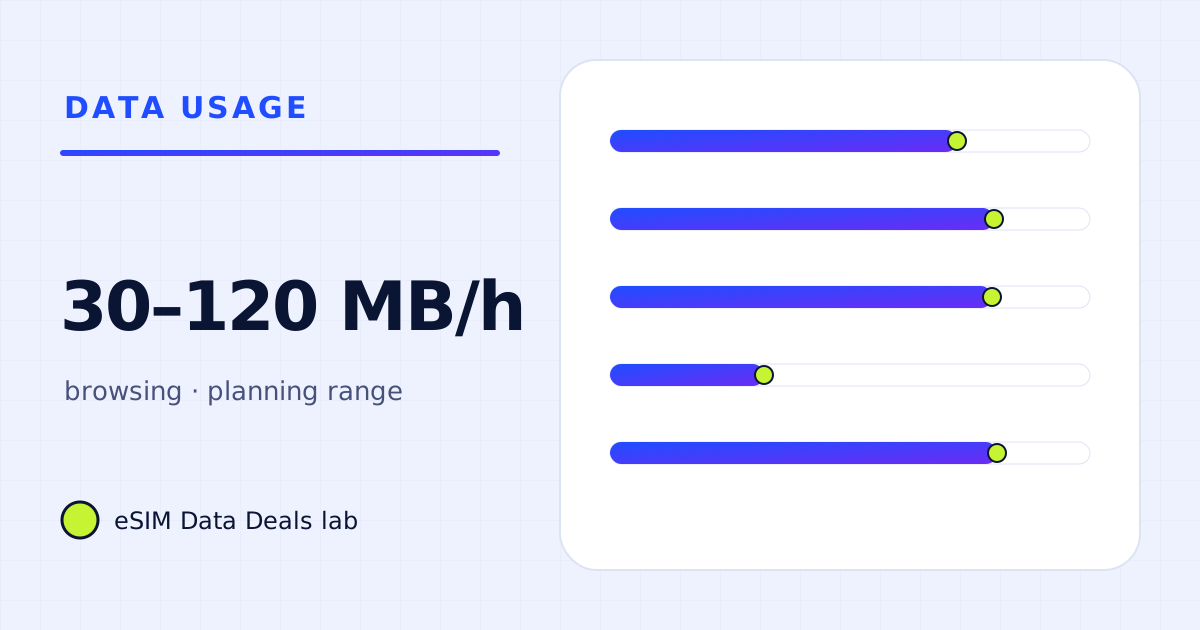
Text email uses very little data; attachments cost their file size, and a first sync of a big mailbox costs far more. Web browsing is roughly 30–120 MB an hour by our planning range, depending on how many images and videos the pages load. Autoplay video on news and social pages is the main thing that pushes it up.
- Text email
- very small
- Attachments
- their file size
- Web browsing
- ≈ 30–120 MB/h (planning)
- Heaviest pages
- autoplay video, big image galleries
- Mail sync on iPhone
- Fetch New Data settings
- Biggest saver
- Low Data Mode or Data Saver
On this page
How much data does email use?
Email is mostly text, and text is tiny. What changes the picture is everything around the text:
| Email item | Data | Tip |
|---|---|---|
| Plain text message | a few KB | Negligible |
| HTML newsletter with images | tens to hundreds of KB, more with many images | Images load when you open it |
| Attachment you open | its file size | Open big files on Wi-Fi |
| First sync of a mailbox | can be large: headers, bodies, attachments | Do it at home |
| Daily sync after that | small for most inboxes | Fewer accounts, fewer folders |
For a typical traveller checking mail a few times a day, email is a few megabytes a day. The risk days are the arrival day (everything that queued up during the flight) and any day you open attachments.
How do I stop mail apps from syncing too much?
- iPhone Mail: in Settings → Apps → Mail → Mail Accounts → Fetch New Data (the path differs slightly by iOS version), set accounts you don't need in real time to Fetch with a longer interval, or Manually.
- Gmail app on Android: per account, you can limit how many days of mail sync and whether attachments download automatically.
- Work mail: Apple notes that an Exchange ActiveSync account might continue to use cellular data even if you turn it off for Mail and Calendar; its usage shows under Cellular → System Services. Check that list if your data disappears.
- Low Data Mode or Data Saver: both reduce background activity, which includes mail fetching.
How much data does web browsing use?
It depends on the pages, not the hours. Three kinds of site cover most travel browsing:
- Text-heavy pages (timetables, opening hours, short articles): light, often well under a megabyte each.
- Image-heavy pages (hotel galleries, shops, booking sites): a few megabytes each, sometimes more.
- Video pages (news with autoplay, social links): these behave like streaming and can use hundreds of megabytes an hour.
Our planning range for an hour of general browsing is 30–120 MB. It is a range because pages vary that much. Measure your own: use the browser for 15 minutes on mobile data and read the per-app counter.
How do I make browsing use less?
- Turn on Low Data Mode for the travel line (iPhone: Settings → Cellular → travel line → Data Mode) or Data Saver (Android). Apple says Low Data Mode reduces background activity and can lower streaming quality.
- Stop autoplay video where the site or app allows it, and avoid opening video-heavy news pages on mobile data.
- Save pages you will need (directions, tickets, bookings) as PDFs or screenshots on Wi-Fi.
- Close tabs on the laptop before you tether. Many pages refresh themselves in the background.
Is browsing on a laptop different?
Yes. A laptop browser is served desktop pages, which are often heavier than mobile ones, and it may play video at higher resolution. Laptops also run background updates and sync on any connection they consider unmetered. On Windows, mark the hotspot as a metered connection; Microsoft says some apps behave differently to save data on metered networks. On a Mac, turn on Low Data Mode for the hotspot network. See the laptop data guide for the full breakdown.
Does browsing work after a daily cap?
Text pages, yes, slowly. At 256 kbit/s the line carries at most about 115 MB an hour, which is enough for light browsing, but image-heavy pages will crawl and video won't play smoothly. If your plan has a daily full-speed amount, keep booking and gallery browsing for Wi-Fi.
What does a normal day of email and browsing add up to?
| Item in a travel day | Planning range |
|---|---|
| Three mail checks, a few newsletters | ≈ 2–5 MB |
| Opening two PDF attachments (tickets, bookings) | their size, say 1–5 MB |
| 40 minutes of browsing (opening hours, timetables, reviews) | ≈ 20–80 MB |
| A hotel or booking site with galleries | ≈ 10–30 MB |
| Total | ≈ 35–120 MB |
Over a week that is roughly 0.25–0.85 GB, which a 1 GB allowance covers with room to spare, as long as autoplay video and big downloads stay on Wi-Fi.
What about cloud documents and work apps?
Opening a document in a cloud editor downloads the document and the editor itself, so the first open of the day is heavier than later edits. Sync clients are the bigger risk: a laptop that reconnects and uploads a folder of photos or a large presentation can use more than a week of email in minutes. Pause sync before you tether, and on Windows mark the hotspot as metered; Microsoft says some apps behave differently on metered connections to save data.
Do images in emails use much?
Marketing emails can carry many images, each loaded when the message opens. They are usually small, so a handful of newsletters is still a few megabytes. If your mail app offers an option to stop loading remote images, it saves a little data and some clutter; it won't change a plan size.
Does a VPN change how much browsing uses?
Slightly. A VPN wraps every packet in an extra header, so the same pages cost a few per cent more data; it does not compress or block anything by itself. The size of the overhead depends on the protocol and on how small the packets are. Our VPN data guide works through the WireGuard example from its published whitepaper. For a traveller whose day is email and browsing, the difference is a few megabytes, not a reason to choose a bigger plan.
Is a small plan enough for email and browsing?
For a traveller whose day is email, maps, messaging and searches, yes: our planning numbers put that at about 100–200 MB a day including navigation and messages. The 1 GB guide shows what a single gigabyte covers, and the calculator adds your own hours.
Frequently asked questions
How many emails is 1 GB?
Thousands of text emails. A plain email is a few kilobytes; one with an embedded image or a signature logo is larger. Attachments are what use data: a 5 MB PDF costs 5 MB to download.
Why did my mail app use so much data on arrival?
It probably synced everything that arrived while the phone was offline, including attachments, or synced a new account for the first time. Do first syncs on Wi-Fi.
Does reader mode save data?
It reduces what you see, but the page usually still loads first. Blocking autoplay video and using the phone's data-saving mode save more.
Do search results use much data?
Text results are light. Image results, video carousels and maps in results load more. A search session is usually a small part of a day.
Got your number? Match it to a plan
On TripoSIM, choose your destination and compare total GB, validity, any daily full-speed amount and the Hotspot badge on each plan card.
We take data figures from the app makers' own help pages where they publish one, convert published bitrates with kbit/s × 0.45 = MB per hour, and label every planning assumption. We don't run paid reviews or publish prices. Editorial policy · How we get our figures · Who owns this site
Sources and how we checked
- Apple Support: Use Low Data Mode on your iPhone and iPad
- Apple Support: Use cellular data on your iPhone or iPad
- Pixel Phone Help: Reduce and manage mobile data usage
- Microsoft Support: Metered connections in Windows
Figures were read from these pages on 7 November 2026. Apps change their settings and rates; if a number here disagrees with the app on your phone, trust your phone's own data counter. See how we get our figures.
Related reads
Mobile data usage chart: MB per hour for 24 travel activities
One chart of mobile data per hour for 24 travel activities, from 5 MB of navigation to 3 GB of HD video, with the source and evidence level of each row.
Read the guide →
How much data does a laptop use per hour? A task-by-task table
Per-hour data for laptop tasks on a phone hotspot: email and documents, audio and video meetings, streaming and sync, plus example workdays you can copy.
Read the guide →
Android Data Saver for travel: the settings to change on Pixel and Samsung
The Android settings that cut travel data: Data Saver, background data per app, Play Store updates on Wi-Fi, data switching, with Pixel and Samsung paths.
Read the guide →
What does 1 GB of data actually get you? Hours by app, then 5 and 10 GB
1 GB is 100+ hours of navigation, 23 hours of Spotify Normal, 6 hours of Netflix Save Data or under 2 hours of a Zoom video call. Tables for 1, 5, 10 GB.
Read the guide →