
Does a VPN use more mobile data abroad? The overhead, worked out
Travellers often keep a VPN on for public Wi-Fi and forget it when they switch to mobile data. It does cost a little extra. How much depends on the packet sizes of what you do, and the maths is simple enough to do yourself.
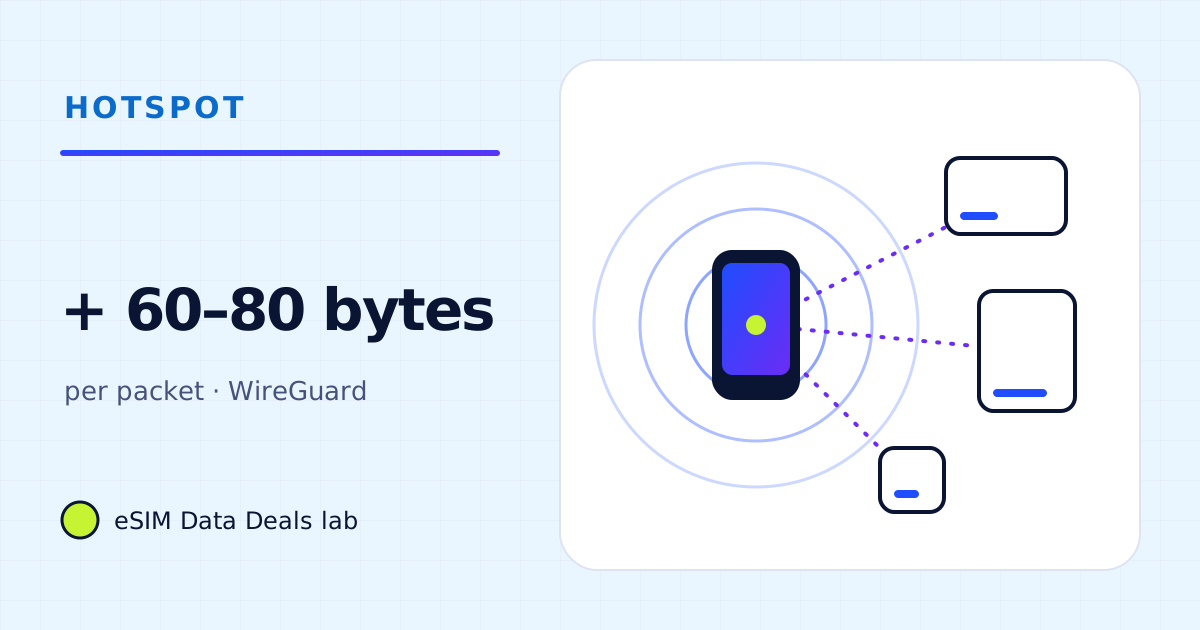
Yes, a little. A VPN wraps each packet in extra headers. For WireGuard, the published message format adds 32 bytes plus new outer UDP and IP headers: about 60 bytes per packet over IPv4, 80 over IPv6. On full-size packets that is around 4–6%; on small voice-call packets it is more in percentage, still small in megabytes.
- WireGuard data header
- 16 bytes
- Authentication tag
- 16 bytes
- Outer UDP + IPv4
- + 28 bytes → 60 total
- Outer UDP + IPv6
- + 48 bytes → 80 total
- Full-size packets
- ≈ 4–6% extra
- Video, downloads
- a few per cent; plan size barely moves
On this page
Why does a VPN use any extra data?
A VPN takes each packet your phone or laptop sends, encrypts it, and puts it inside a new packet addressed to the VPN server. The new packet needs its own headers: the outer IP and UDP headers to reach the server, plus the VPN's own header and an authentication tag that proves the packet wasn't tampered with. Those extra bytes are the overhead, and the mobile network counts them like any other data.
What does WireGuard's format add?
WireGuard is useful as an example because its technical whitepaper publishes the exact message format. A transport data message carries a 1-byte type, 3 reserved bytes, a 4-byte receiver index and an 8-byte counter (16 bytes in all), then the encrypted packet, then a 16-byte authentication tag. Around that go new UDP and IP headers.
| Part | Bytes | Note |
|---|---|---|
| Type, reserved, receiver index, counter | 16 | WireGuard message header |
| Authentication tag (Poly1305) | 16 | After the encrypted payload |
| Outer UDP header | 8 | Standard |
| Outer IPv4 header | 20 | Standard, without options |
| Total over IPv4 | 60 | |
| Outer IPv6 header instead | 40 | Total 80 over IPv6 |
| Padding | 0–15 | The whitepaper pads the plaintext to a multiple of 16 bytes |
So each packet grows by 60 bytes over IPv4 or 80 over IPv6, plus up to 15 bytes of padding. Other VPN protocols have their own formats and overheads; WireGuard's is small and clearly documented, which is why we use it for the arithmetic.
What is that as a percentage?
It depends on the packet size, which depends on the activity. Large transfers (video, downloads, page loads) use packets near the maximum size; voice calls and games send many small packets.
Then convert that to megabytes. An hour of Netflix at up to 0.7 GB (Medium) with about 4% overhead is up to about 28 MB extra. An app voice call at about 63 MB an hour with small packets might carry 30–40% overhead, roughly 20–25 MB extra in the hour. Both are real, and neither changes a plan size much on its own.
What does that mean for a whole trip?
| Trip | Without VPN | With VPN (≈ 5% overall) |
|---|---|---|
| Weekend, typical use | ≈ 1.3 GB | ≈ 1.4 GB |
| 10 days, typical | ≈ 5.3–9.4 GB | ≈ 5.6–9.9 GB |
| A month, typical | ≈ 15–26 GB | ≈ 16–27 GB |
A buffer of 15–20%, which our calculator adds by default, already covers a typical VPN overhead.
Do VPN keepalives use data when idle?
A little. Many VPN set-ups send small keepalive packets so the connection survives on networks that drop idle sessions. With WireGuard's optional persistent keepalive (off by default) set to 25 seconds, the interval its wg manual suggests for an interface behind NAT, an idle tunnel sends about 144 small packets an hour. At around 60 bytes each that is under 10 KB an hour, which is negligible. Other VPN apps may be chattier; the per-app counter will show it.
Can a VPN make apps use more data in other ways?
Indirectly, sometimes. If the VPN server is in another country, apps may see you as being there and choose different content or different servers, which can change what they download. If the VPN slows the connection, adaptive video may pick a lower quality and use less. And if the VPN drops and reconnects often, apps may retry downloads. None of these is predictable enough to put a number on; measure with the counter if you are on a tight plan.
How do I measure the VPN's own share?
Phones don't all count VPN traffic the same way: some list the VPN app's own traffic in the per-app list, others count it inside the apps that use the tunnel. The simplest test is practical: do the same 15-minute task with the VPN on and then off, reading the counter each time, and compare. The difference is your real overhead for that task.
What about a video call through a VPN?
As example arithmetic: a 720p 1:1 Zoom call is about 1.08 GB an hour from Zoom's published bandwidth. Video packets are mostly large, so if the overall overhead is around 5%, the VPN adds roughly 50–55 MB to the hour. A two-hour meeting day would add about 0.1 GB. Audio-only calls have a higher percentage overhead but are so small to begin with that the extra is about 20–25 MB an hour.
Can I keep the VPN on for some apps only?
Many VPN apps offer split tunnelling, which lets you choose apps or websites that bypass the tunnel. Excluding a streaming app removes the VPN overhead for that app and can also let the app use the nearest servers. Whether to use it is a security decision first: anything outside the tunnel travels as it would without a VPN. Work VPNs are often set by your employer and may not allow it.
Should I turn the VPN off to save data?
Not for the data alone. A few per cent is small next to the choices that really move a plan: video quality, auto-downloads, backups, and how much a laptop does on the hotspot. If a VPN is part of how you work or how you protect your accounts, keep it on and include a few per cent in your buffer. If you only used it for café Wi-Fi at home, you can decide trip by trip; the data cost is not the deciding factor either way.
Frequently asked questions
How much extra data does a VPN use?
It depends on the protocol and the packet sizes. For WireGuard, the published format adds about 60 bytes per packet over IPv4 and 80 over IPv6, which is about 4–6% on full-size packets. Other protocols have different overheads.
Does a VPN compress data to save it?
Not by itself. A VPN encrypts and wraps traffic; it doesn't make pages or videos smaller. Some apps bundle data-saving features, but that is a separate function.
Does the VPN overhead count against my eSIM plan?
Yes. The network counts every byte that crosses it, and the VPN's headers are part of those bytes.
Is a VPN needed on a travel eSIM?
That is a security and privacy choice, not a data one. Mobile data is not shared with strangers the way open Wi-Fi is, but many people keep a VPN on for work or privacy reasons. If you do, budget a few per cent extra.
Got your number? Match it to a plan
On TripoSIM, choose your destination and compare total GB, validity, any daily full-speed amount and the Hotspot badge on each plan card.
We take data figures from the app makers' own help pages where they publish one, convert published bitrates with kbit/s × 0.45 = MB per hour, and label every planning assumption. We don't run paid reviews or publish prices. Editorial policy · How we get our figures · Who owns this site
Sources and how we checked
- WireGuard: protocol and cryptography (technical whitepaper)
- WireGuard tools: wg(8) manual (PersistentKeepalive)
- Zoom Support: system requirements and bandwidth
- Apple Support: Use cellular data on your iPhone or iPad
- Pixel Phone Help: Reduce and manage mobile data usage
- TripoSIM help centre (FAQ)
Figures were read from these pages on 7 November 2026. Apps change their settings and rates; if a number here disagrees with the app on your phone, trust your phone's own data counter. See how we get our figures.
Related reads
How much data does a laptop use per hour? A task-by-task table
Per-hour data for laptop tasks on a phone hotspot: email and documents, audio and video meetings, streaming and sync, plus example workdays you can copy.
Read the guide →
What is "System Services" data on iPhone, and Google Play services on Android?
What "System Services" on iPhone and "Google Play services" or "Android OS" on Android mean in the data list, why they grow abroad, and how to reduce them.
Read the guide →Hotspot security and data
Open →
Mobile data usage chart: MB per hour for 24 travel activities
One chart of mobile data per hour for 24 travel activities, from 5 MB of navigation to 3 GB of HD video, with the source and evidence level of each row.
Read the guide →