
What happens when your travel eSIM data runs out?
Running out is rarely dramatic, but what happens next depends on the kind of plan. A fixed-GB plan stops; a daily-cap plan slows down. Either way, a few settings decide whether it costs you anything extra.
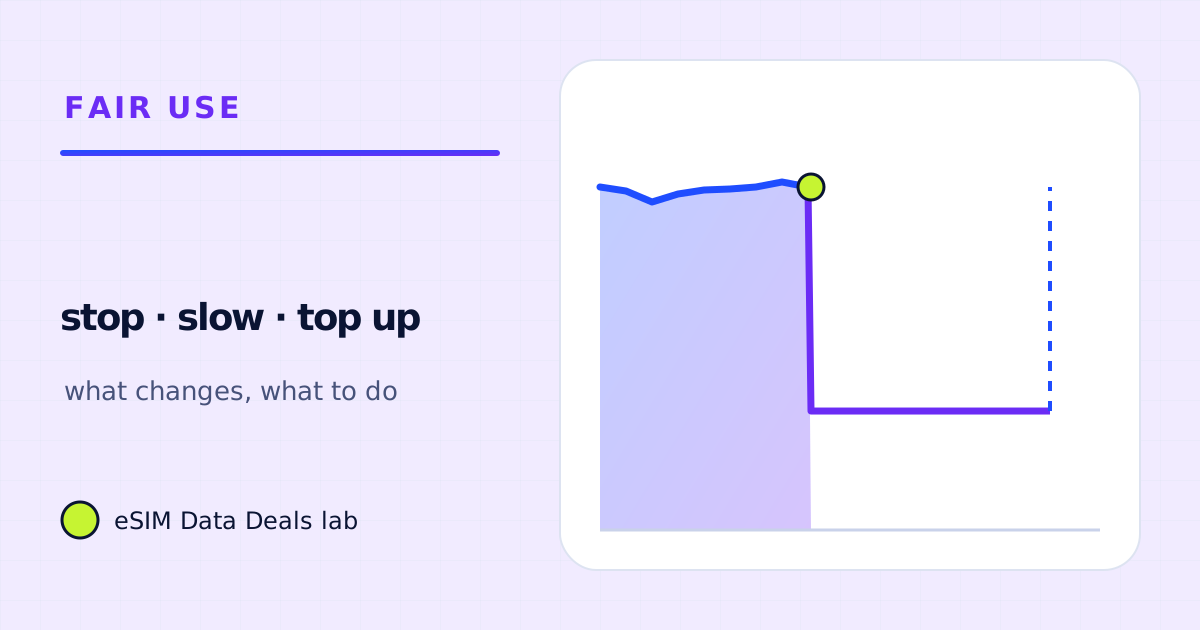
On a fixed-GB plan, the eSIM's data connection stops when the data is used up or the validity ends, whichever comes first, says TripoSIM's help centre. On a daily-cap plan the speed drops until the reset. Your home SIM keeps working for calls and texts. You can top up if the plan supports it, or buy a new plan.
- Fixed-GB plan
- data stops at 0 or at validity end
- Daily-cap plan
- slows until the daily reset
- Home SIM
- calls and texts keep working
- Top-up (TripoSIM)
- from the dashboard, if the plan supports it
- No top-up option
- buy a new plan for the destination
- Avoid
- data falling back to the home line
On this page
What happens depends on the kind of plan
| Plan type | When it runs out | What still works |
|---|---|---|
| Fixed GB (for example, 5 GB for 10 days) | Data stops when the GB are used or the validity ends, whichever comes first | Wi-Fi; home SIM calls and texts |
| Daily full-speed amount, then slower | Speed drops after the daily amount until the reset | Messages, email, maps (slowly); not smooth video |
| Unlimited with a fair-use policy | Speed may be reduced after a stated amount | Depends on the reduced speed in the terms |
TripoSIM's help centre describes the fixed case directly: when the plan validity period ends or you use all your data, whichever comes first, the eSIM data connection stops, and your primary SIM for calls and texts continues to work.
What still works after a fixed-GB plan ends?
- Wi-Fi. Everything works on Wi-Fi as normal, including WhatsApp and other internet calling.
- Your home number for ordinary calls and texts, at your home carrier's rates abroad.
- Offline maps, downloaded music and saved tickets, because they need no connection.
- The eSIM itself stays installed; it just has no active data.
What still works after a daily cap?
That depends on the slowed speed in the plan's terms. As arithmetic, 128 kbit/s carries at most about 58 MB an hour and 256 kbit/s about 115 MB. Both are enough for messages and email; maps work but load slowly; video and video calls don't run well. Full speed returns at the daily reset, at the time the plan sets. The fair-use guide shows how to read the terms.
What should I avoid when data runs out?
The one costly mistake is letting the phone fall back to the home line's data. On a dual-SIM iPhone, Apple says Allow Cellular Data Switching lets the phone use cellular data from both plans; on a Pixel, Automatic data switching does something similar. If either is on and the home line has data roaming on, the phone may use home-line data abroad. Before you travel:
- Keep the travel eSIM as the only data line.
- Turn off data switching.
- Turn off data roaming on the home line.
Then running out simply means no mobile data until you top up, buy another plan or join Wi-Fi.
How do I top up or replace the plan?
TripoSIM says that if your plan supports top-ups, you can add more data instantly from your dashboard, and that if top-up is not available, you can buy a new eSIM plan for the same destination. It also sends a notification when data is running low. A practical order:
- Join Wi-Fi (hotel, café) so you can reach the dashboard.
- Check what is left in the dashboard: data used, data remaining, days left.
- Top up if the plan supports it, sized to the days left.
- Otherwise buy a new plan, install it on Wi-Fi, and make it the data line.
How big should the top-up be?
Use your own rate so far. Divide what you used by the days so far, multiply by the days left, and add 15–20%. As an example: 4 GB used in 5 days is 0.8 GB a day; with 4 days left that is 3.2 GB, or about 3.7–3.8 GB with the buffer. The calculator can do it from activities instead, if your plans for the rest of the trip are different.
What if the validity ends before the data?
The data connection stops anyway. TripoSIM says the connection stops when the validity period ends or the data is used up, whichever comes first, and that you can buy a new plan or top up if available. If you have a lot of data left near the end of a trip, use it on the heavy things you postponed (a video call home, downloads for the flight) rather than leaving it to expire. If you are staying longer than planned, a top-up or a second plan is the way to extend; check the plan's terms for how top-ups affect validity.
What if it runs out on a day trip, away from Wi-Fi?
Keep calm and use what still works. Offline maps continue to navigate. Your home number still sends and receives texts and calls at your home carrier's rates. Cafés, stations and museums often have Wi-Fi where you can reach the dashboard and top up. The one thing not to do is switch on data roaming on the home line out of habit, unless you know what your home carrier charges abroad.
Is a second eSIM a good backup?
For long trips, some travellers install a second small plan as a backup and keep its line switched off. TripoSIM says validity starts when the eSIM first connects at the destination and that a line left on can connect by itself, so keep the backup line off until you need it. Most phones hold several eSIMs, though usually only one or two can be active at a time; check your phone's limits.
How do I avoid running out next time?
- Set a data warning at 70–80% of the plan on Android, or reset and check the counter daily on iPhone.
- Use Low Data Mode or Data Saver for the travel line.
- Keep backups, updates and HD video for Wi-Fi.
- Size the plan with a buffer: our plan-size guides add 15–20% to the estimate.
Frequently asked questions
Do I lose my phone number when the eSIM data runs out?
No. A data-only travel eSIM has no number of its own. Your home SIM, and your number, keep working for calls and texts as before, at your home carrier's rates abroad.
Can I add data to the same eSIM?
If the plan supports top-ups. TripoSIM says top-ups are added from the dashboard and that, if top-up is not available, you can buy a new eSIM plan for the same destination.
Will my phone switch to my home SIM's data automatically?
It can, if data switching is on and your home line has data roaming on. Turn switching off and home-line data roaming off to prevent it.
Does unused data roll over?
Usually not. When validity ends, remaining data typically ends with it. Check the plan's terms before you buy.
Got your number? Match it to a plan
On TripoSIM, choose your destination and compare total GB, validity, any daily full-speed amount and the Hotspot badge on each plan card.
We take data figures from the app makers' own help pages where they publish one, convert published bitrates with kbit/s × 0.45 = MB per hour, and label every planning assumption. We don't run paid reviews or publish prices. Editorial policy · How we get our figures · Who owns this site
Sources and how we checked
- TripoSIM help centre (FAQ)
- TripoSIM: How it works
- Apple Support: Using Dual SIM with an eSIM
- Pixel Phone Help: How to use dual SIMs
- Apple Support: Use cellular data on your iPhone or iPad
Figures were read from these pages on 7 November 2026. Apps change their settings and rates; if a number here disagrees with the app on your phone, trust your phone's own data counter. See how we get our figures.
Related reads
How to set a data warning and limit for a travel eSIM
Set a data warning and limit on Android, track iPhone usage with reset statistics, and use the provider's low-data alerts so you are never surprised.
Read the guide →
Unlimited travel eSIMs: daily full-speed cap versus usable data
The difference between marketing language, high-speed allowance, slowdown policy and hotspot entitlements.
Read the guide →
Home SIM plus travel eSIM: how to keep both without surprise roaming
How to keep your home number on while a data-only travel eSIM carries the data: which line gets data, data roaming switches and SMS, on iPhone and Android.
Read the guide →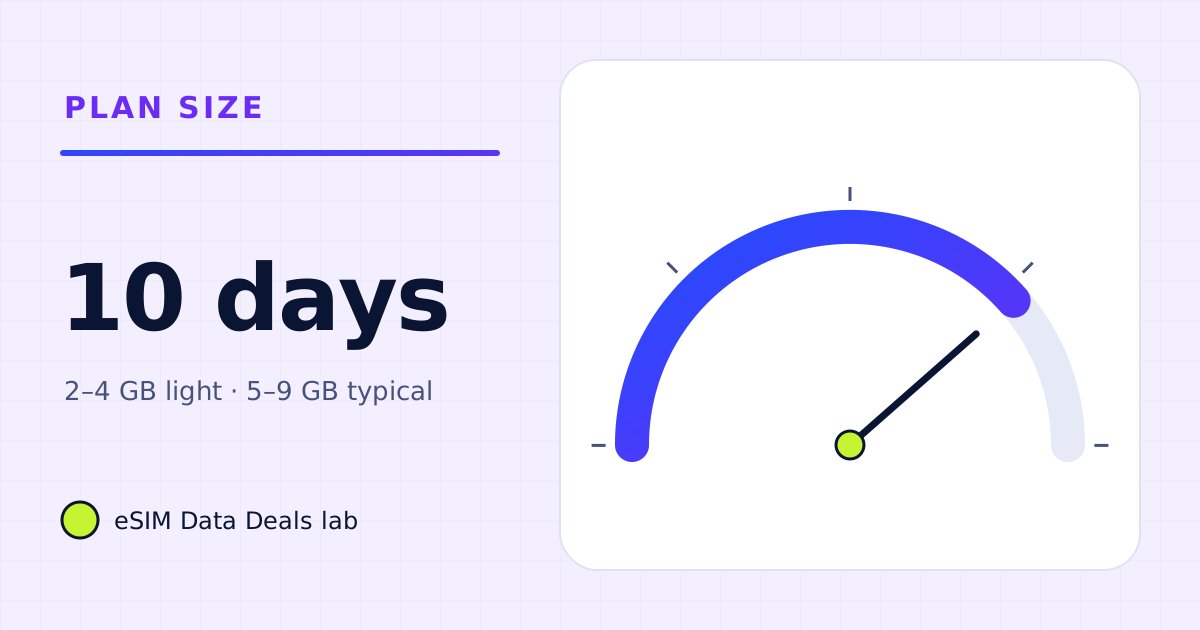
How much data do you need for 10 days abroad?
Ten days abroad: about 2–4 GB for light phone use, 5–9 GB for typical use, 10–20 GB with daily calls or streaming, more with a laptop.
Read the guide →