
How much data do you need for a weekend trip?
Short trips break the usual averages: the arrival day is busy, there is little hotel downtime, and every hour is spent out with the phone. Here is how to size a weekend.
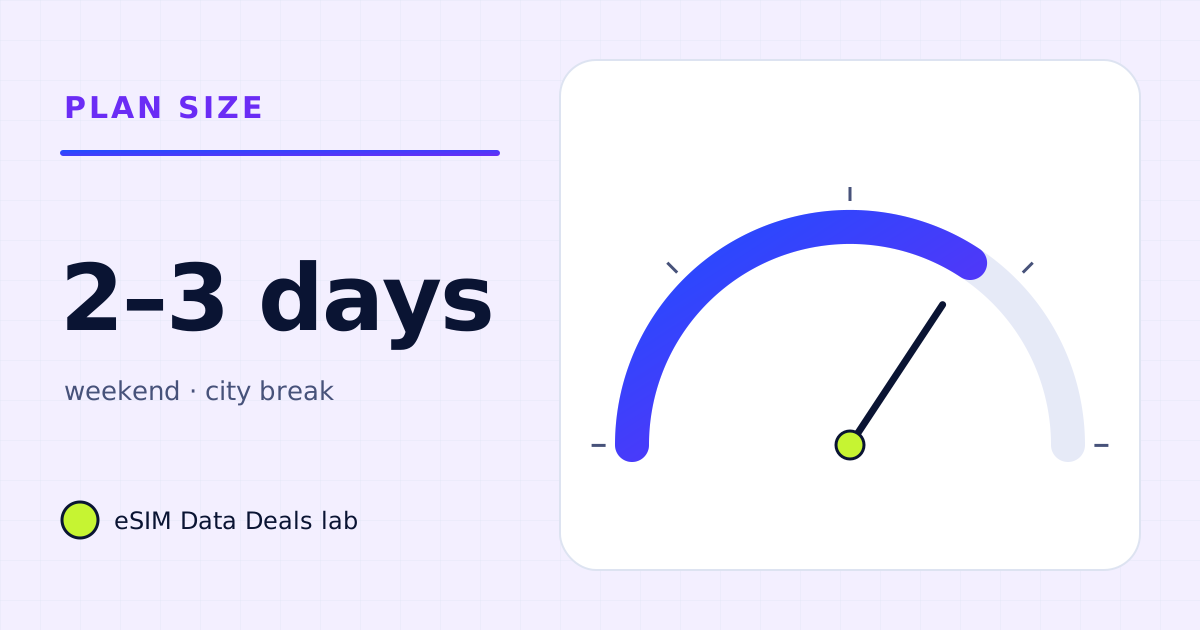
For a 2–3 day weekend, a phone used for maps, messaging, browsing, ride-hailing and photos typically needs 0.5–1.5 GB. Add 1–2 GB if you watch video or scroll video-heavy feeds daily, and more for video calls. A daily-cap plan of 1 GB a day covers most phone-only weekends.
- Phone-only weekend
- ≈ 0.5–1.5 GB
- With daily video
- ≈ 2–3 GB
- Arrival day
- often the heaviest
- Validity starts
- first connection at destination (TripoSIM)
- Daily-cap fit
- 1 GB/day covers most
- Biggest waste
- updates and backups
On this page
Why are weekends different?
On a long trip, light days balance heavy ones. On a weekend there is no balancing. Three things push short trips up per day:
- The arrival day. Maps from the airport, a ride-hailing app or transit planner, messages to say you landed, hotel check-in emails, and everything that queued up while the phone was in flight mode.
- Less Wi-Fi time. You are out from morning to night, so more happens on mobile data.
- More photos and sharing. A short trip is dense with things to post.
How much data does a typical weekend use?
| Weekend style (3 days) | What happens | Example total |
|---|---|---|
| Light: maps and messages | 3 h maps/day, 2 h chat and web/day, ride-hailing, 20 photos/day | ≈ 0.6 GB |
| Typical: plus music and social | The above, 1 h music/day, 30 min of video feeds/day | ≈ 1.3 GB |
| Social sharer | The above with 1.5 h of video feeds/day and video posts | ≈ 2.5–3 GB |
| With evening streaming | Typical plus 1.5 h Netflix (Automatic) each evening | ≈ 2.5 GB |
| With a work call | Typical plus one 1-hour 1:1 video call | ≈ 1.9 GB |
So a phone-only weekend lands somewhere between half a gigabyte and a gigabyte and a half. Video, either streamed or scrolled, is what moves a weekend into 2–3 GB.
How do I keep the arrival day small?
- Install and set up at home. Install the eSIM on Wi-Fi, label it (for example "Travel"), and keep its line off until you land.
- Download the city in Google Maps or Apple Maps before you fly. Offline areas cover the map tiles and search for the area.
- Update apps before you leave. Otherwise the phone may try to catch up as soon as it has data.
- Turn on the travel line, make it the data line, and check that roaming on your home line is off if you don't want home roaming charges.
Daily cap or total GB for a weekend?
For a weekend, both work if you size them right. Some destinations offer very short unlimited plans: TripoSIM's Japan page, for example, lists Unlimited / 3 days with 1 GB a day at full speed, then 256 kbps. The example weekend above never crosses 1 GB on any day, so a 1 GB-a-day plan would run at full speed throughout. A social sharer or evening streamer would hit the cap on one or two days.
With a total-GB plan, check the validity. A plan valid for 7 days is fine for a 3-day trip; you just won't use the remaining days.
Which weekend mistakes waste the most data?
- Leaving iCloud Photos or Google Photos uploading on mobile data. A weekend of photos and videos can be a gigabyte or more by itself.
- Downloading a film for the flight home over mobile data. Do it on hotel Wi-Fi with the app's Wi-Fi-only download switch on.
- Video calls on the move. A 30-minute video call is about 270 MB at Zoom's high-quality rate; audio is about a tenth of that.
How much data does the journey itself use?
Less than people expect, as long as nothing big downloads. The airport-to-hotel leg is usually navigation (5–10 MB an hour by TripoSIM's figure), a ride-hailing or transit app, and messages. The risk is the phone catching up after the flight: app updates that were waiting, a photo library that wants to sync, podcasts set to download new episodes. Those can cost more than the whole weekend of maps. Set them to Wi-Fi only before you leave, and the journey stays in the tens of megabytes.
What if two people share one weekend plan?
If one phone shares its hotspot with another, double the light-use figures as a starting point: two people navigating, messaging and posting use roughly twice what one does. The arithmetic for the typical weekend above becomes about 2.6 GB, and a 1 GB-a-day plan would be tight on the arrival day. Two separate eSIMs avoid the hotspot step entirely and mean neither phone depends on the other's battery. Either way, size from the busier person's habits.
Is a business weekend different?
Yes, because of calls and laptops. One 1-hour 1:1 video call at Zoom's high-quality rate is about 0.54 GB, and at 720p about 1.08 GB. Opening a laptop on the hotspot can add more than that in an hour if updates or cloud sync start. If the weekend includes work, take the "with a work call" row above as a floor and read the laptop data guide before you go.
Not sure where you land? The data needs calculator has a "weekend city break" preset that you can adjust.
What should I set up before a weekend away?
A weekend leaves no time to fix things on the spot, so the useful work happens the evening before you leave:
- Install the travel eSIM on Wi-Fi and keep its line switched off until you land. TripoSIM says validity starts when the eSIM first connects at your destination, and that a line left on can connect by itself.
- Download offline maps for the city and the airport area.
- Download a playlist or a few podcast episodes for the journey.
- Set WhatsApp and other messaging apps not to auto-download videos on mobile data.
- Turn on Low Data Mode (iPhone) or Data Saver (Android) for the travel line.
With those five steps, the typical weekend in the table above stays near the bottom of its range, and the smallest plans on offer are usually enough.
Frequently asked questions
Is 1 GB enough for a weekend abroad?
For a phone used for maps, messages, ride-hailing and photos, usually yes. It becomes tight if you scroll video feeds for an hour or more a day or make video calls.
When should I install the eSIM for a weekend trip?
Before you leave, on Wi-Fi. TripoSIM says validity starts when the eSIM first connects at your destination, not when you install it, so keep its line switched off until you land.
Should I pick a 3-day unlimited plan or a small total-GB plan?
If your weekend is phone-only and steady, either works. A daily-cap plan protects you from running out; a total-GB plan lets one big day borrow from a light one. Compare both on the plan card.
Does a day trip need its own plan?
Only if you will be on mobile data. For a few hours, the main users are maps and messaging, which are small; the real question is whether roaming on your home plan is allowed and affordable, which is a separate decision.
Size it, then pick the shortest plan that covers it
On TripoSIM, compare plans for your destination by validity and total GB or daily full-speed amount. Validity starts when the eSIM first connects at your destination.
We take data figures from the app makers' own help pages where they publish one, convert published bitrates with kbit/s × 0.45 = MB per hour, and label every planning assumption. We don't run paid reviews or publish prices. Editorial policy · How we get our figures · Who owns this site
Sources and how we checked
- TripoSIM help centre (FAQ)
- TripoSIM Japan plan page (plan-card terms, read 7 Nov 2026)
- Netflix Help Center: How to control how much data Netflix uses
- Spotify Support: Audio quality
- Google Maps Help: Download areas and navigate offline
Figures were read from these pages on 7 November 2026. Apps change their settings and rates; if a number here disagrees with the app on your phone, trust your phone's own data counter. See how we get our figures.
Related reads
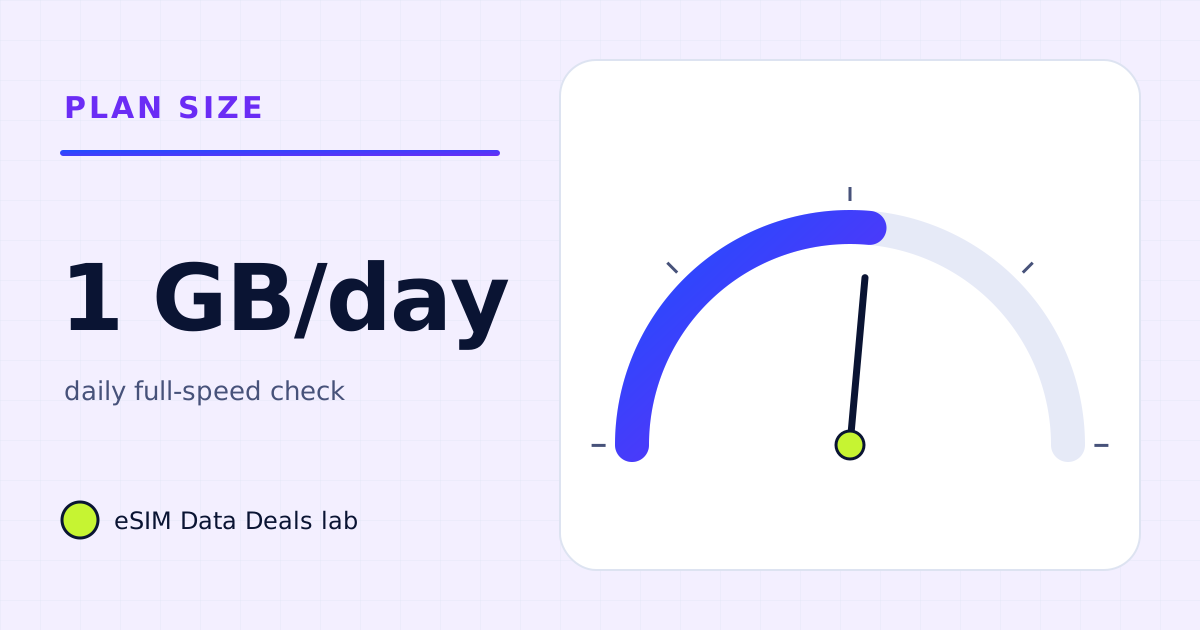
Is 1 GB a day enough when you travel?
1 GB a day covers maps, messaging, browsing, music and some social video. It runs short with long video calls, streaming or a laptop on hotspot.
Read the guide →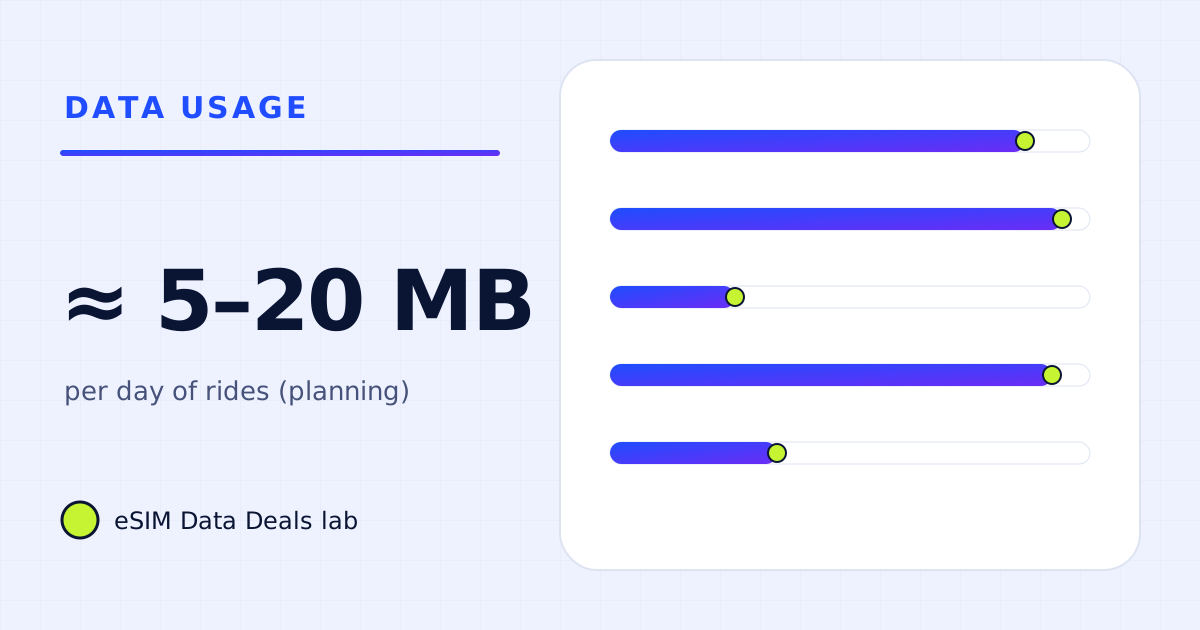
How much data do Uber, Bolt and Grab use?
Ride-hailing apps use little data per trip, roughly 5–20 MB a day by our planning range, but they need a working connection at pickup. Setup and settings.
Read the guide →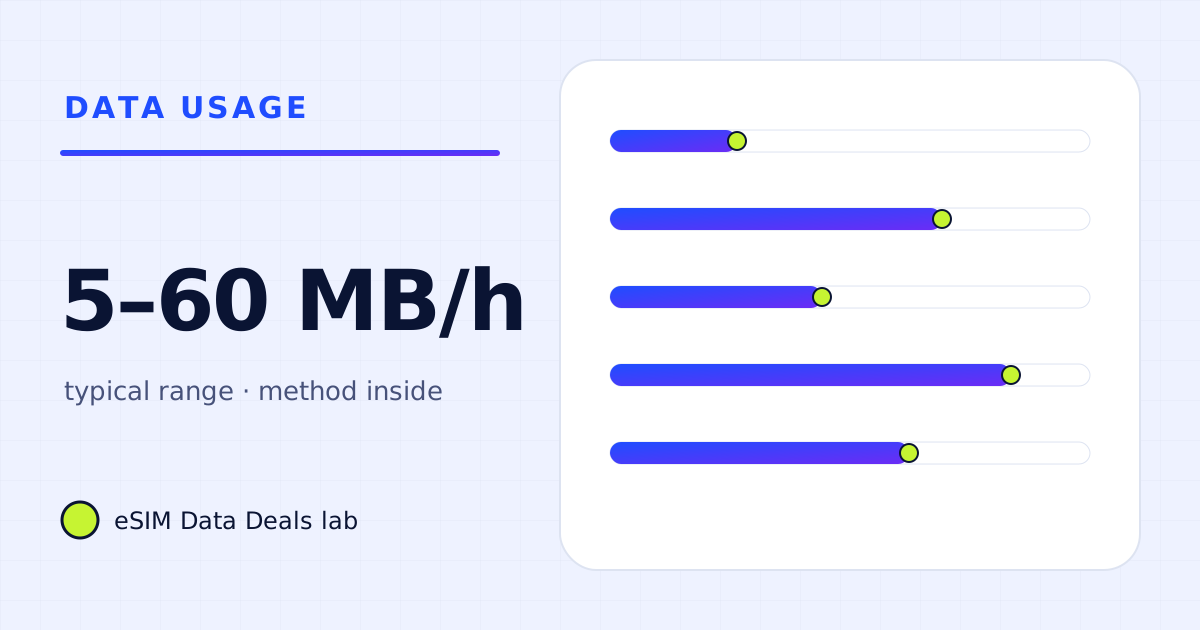
How much data do Google Maps and navigation use abroad?
Turn-by-turn navigation is light; place photos, satellite view and live transit add more. Ranges, offline-map limits and a way to measure your own use.
Read the guide →
How much data do you need for 10 days abroad?
Ten days abroad: about 2–4 GB for light phone use, 5–9 GB for typical use, 10–20 GB with daily calls or streaming, more with a laptop.
Read the guide →