
First verify mobile internet works on the phone itself. Then check the plan’s hotspot allowance, phone hotspot setting and laptop network configuration. Escalate with the exact error rather than repeatedly reinstalling the profile.
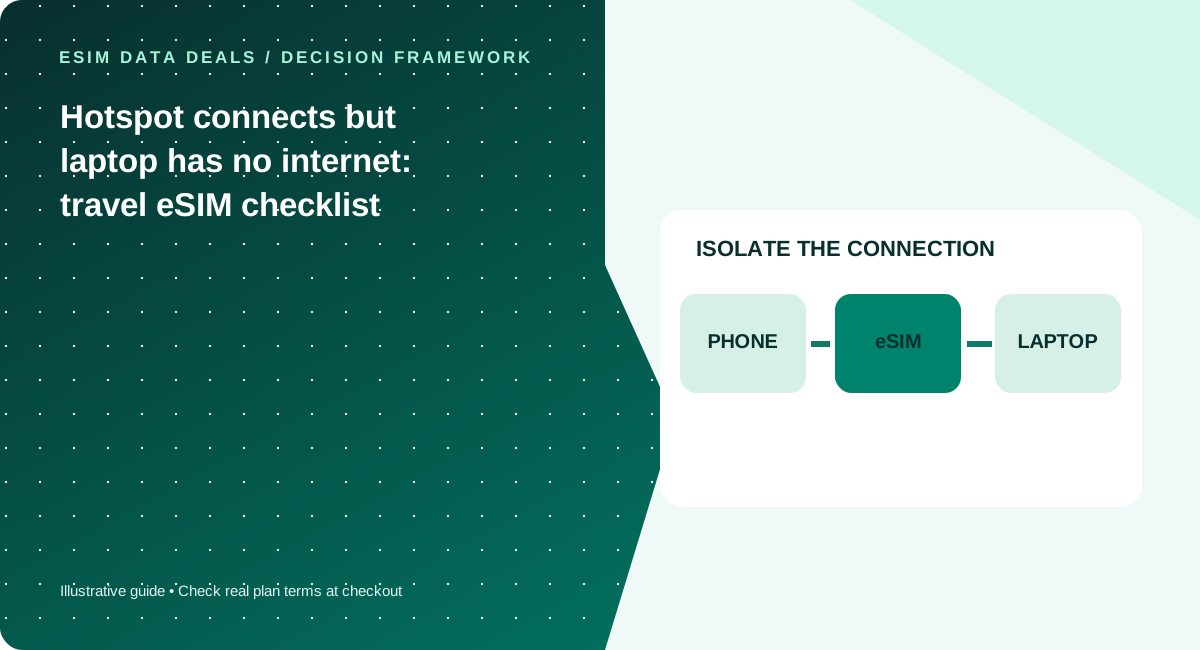
Is the phone itself online?
If the phone cannot load a simple website on cellular data, the problem is upstream of the hotspot. Confirm the correct eSIM is selected, the country is covered and the network connection is active. Use reliable Wi-Fi to contact provider support if mobile data is entirely unavailable.
Hotspot permission is a separate condition
A plan may work on-device but restrict or meter tethering. Check the commercial terms before assuming the phone’s hotspot switch proves entitlement. On some devices, the hotspot setting can be unavailable due to carrier configuration or device restrictions.
Laptop configuration matters
Reconnect to the phone’s Wi-Fi, forget an old saved hotspot profile if necessary, and check whether VPN, captive portal settings or a manually configured proxy are interfering. Disable unnecessary large downloads. Do not provide credentials to a support agent who does not need them.
Escalate with useful facts
Capture the device model, destination, connection status, plan SKU, whether mobile browsing works, whether another device can connect, and whether the issue began after reaching a quota. This is more actionable than stating simply that the eSIM is broken.
A four-step isolation sequence
Step one: turn off the laptop Wi-Fi temporarily and verify the phone can load a lightweight page on mobile data. If not, investigate eSIM activation, selected data line and destination coverage first. Step two: verify that the exact plan allows hotspot/tethering and that you have remaining usable high-speed allowance. Step three: enable the phone hotspot, connect one device and confirm the Wi-Fi link has been assigned an IP address; a Wi-Fi connection alone does not establish internet reachability. Step four: test another simple website or app with VPN disabled temporarily if your security policies permit. If the second device works, the laptop settings deserve more attention than the eSIM. Avoid changing many variables at once, as this makes the result impossible to interpret. Most importantly, do not delete the eSIM as your first troubleshooting action.
When to escalate and what evidence matters
Tell support whether browsing works directly on the phone, whether the hotspot toggle is available, whether the laptop connects over Wi-Fi, and whether other devices share the same failure. Include OS version, country, approximate time and the exact plan SKU through the official secure support channel. Do not post private network settings or login data publicly. If the plan prohibits hotspot, the responsible remedy is a different eligible product—not repeated APN changes. If tethering is included but does not work, the provider can advise on configuration while you use a fallback network. For work trips, rehearse hotspot setup before a critical meeting and keep a Wi-Fi or audio-only backup if reliability matters.
Five checks before you pay
- Test a website on phone cellular data
- Verify tethering is permitted by the plan
- Reconnect laptop and inspect proxy/VPN settings
- Check remaining full-speed data
- Send structured evidence to provider support
Common mistakes to avoid
- Do not delete the eSIM as a first troubleshooting step
- A Wi-Fi hotspot link does not prove mobile internet access
- A VPN issue can masquerade as a cellular-network problem
Work with your real itinerary or quotes
Use our free in-browser calculator, then verify live plan stock, exact destination coverage and final charges directly with TripoSIM.
Commercial disclosure: we are owned by BroadNet and promote TripoSIM. No specific retail SKU or guaranteed price is represented here.
Source notes and review standard
This page is educational editorial analysis dated 5 November 2026. It does not claim field measurements, current retailer inventory, exclusive third-party quotes or verified network speeds. Confirm the exact product terms and local phone configuration before paying.
Additional context: our research methodology and editorial standards.
Continue reading
Critical video meeting abroad: a connectivity resilience playbook
Prepare for predictable video calls while traveling without promising impossible speed guarantees.
Two weeks of remote work: how many GB for laptop hotspot?
Build a sensible workday usage estimate for video meetings, cloud documents and operating-system updates.